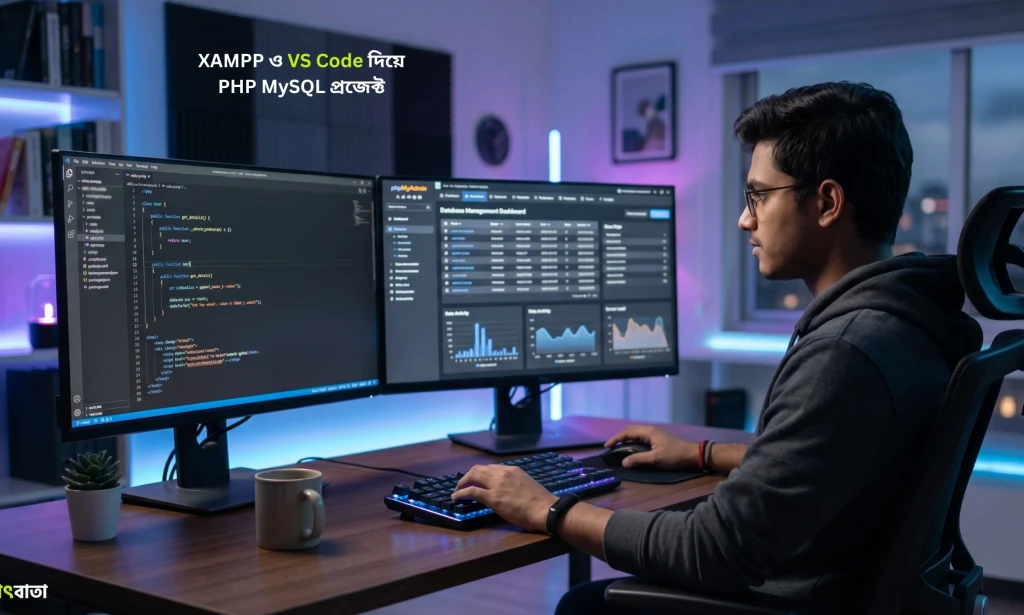
Step-by-step walkthrough on configuring local PHP Apache server environments, managing MySQL databases, and writing clean MVC backend code in VS Code.
Building Full-Stack PHP & MySQL Projects with XAMPP and VS Code
Table of Contents
Setting Up a Modern Local PHP Environment
PHP powers over 75% of the web. Combining XAMPP local server environments with Visual Studio Code yields a fast, reliable stack for prototyping web applications and custom RESTful APIs.
READ MORE :
Configuring XAMPP Apache & MySQL
Ensure your local server is running securely:
- Start Apache and MySQL services from the XAMPP Control Panel.
- Access phpMyAdmin at
http://localhost/phpmyadminto create relational database schemas.
Writing Secure MVC PHP Code
Follow enterprise backend security guidelines:
- Modular Folder Structure: Keep core logic, database configurations, and public assets cleanly separated.
- Prepared SQL Statements: Prevent SQL injection attacks by using PDO or MySQLi prepared queries.
Frequently Asked Questions
How do I prevent SQL injection attacks in PHP applications?
Always use PDO or MySQLi prepared statements with parameterized queries rather than concatenating user input directly into SQL strings.
What is the recommended directory structure for custom PHP web apps?
Use an MVC architecture separating public assets (index.php, CSS, JS) from internal application code (controllers, models, views).
Which VS Code extensions improve PHP backend development?
PHP Intelephense for code intelligence, Prettier for formatting, and MySQL extension for running inline database queries.
Frequently Asked Questions
What is the recommended directory structure for custom PHP web apps?
Use an MVC architecture separating public assets (index.php, CSS, JS) from internal application code (controllers, models, views).
Which VS Code extensions improve PHP backend development?
PHP Intelephense for code intelligence, Prettier for formatting, and MySQL extension for running inline database queries.

You must be logged in to post a comment.