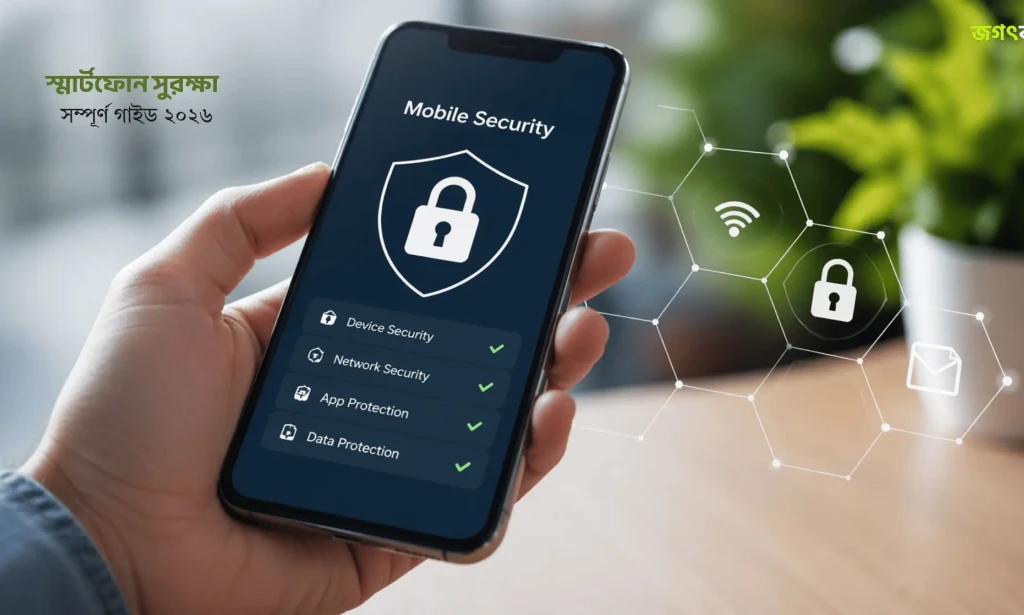
Comprehensive guide on securing Android and iOS devices against malware, phishing attacks, credential theft, and unauthorized data tracking.
Mobile Security Best Practices: Protecting Your Smartphone in 2026
Table of Contents
Essential Smartphone Security Overview
As smartphones become central to banking, two-factor authentication, and personal communications, securing mobile hardware against cyber threats is paramount. Follow these security protocols to keep your personal data safe.
READ MORE :
Crucial Privacy & System Settings
Adjust these default operating system options to restrict unauthorized tracking:
- Enable Multi-Factor Authentication (MFA): Always use authenticator apps (like Google Authenticator or 1Password) rather than SMS fallback.
- Audit Application Permissions: Revoke microphone, camera, and background location access for non-essential applications.
- Keep OS & Apps Up-to-Date: Install security patches immediately to protect against zero-day exploits.
Defending Against Phishing & Malware
Protect your mobile device from network-level attacks and suspicious links:
- Avoid Public Wi-Fi Without VPN: Encrypt all network traffic using trusted Virtual Private Network services on open networks.
- Never Download Side-Loaded Apps from Untrusted Sources: Stick to official App Store and Google Play distribution channels.
Frequently Asked Questions
Why is SMS-based two-factor authentication considered insecure?
SMS 2FA is vulnerable to SIM-swapping attacks; authenticator apps like Google Authenticator or hardware keys provide superior security.
How can I tell if my smartphone has malware or spyware?
Symptoms include unusual battery drain, unprompted overheating, unauthorized pop-up ads, and unexpected background data spikes.
Is using a VPN necessary on public Wi-Fi networks?
Yes, a Virtual Private Network encrypts your internet traffic, preventing eavesdropping and man-in-the-middle attacks on public networks.
Frequently Asked Questions
How can I tell if my smartphone has malware or spyware?
Symptoms include unusual battery drain, unprompted overheating, unauthorized pop-up ads, and unexpected background data spikes.
Is using a VPN necessary on public Wi-Fi networks?
Yes, a Virtual Private Network encrypts your internet traffic, preventing eavesdropping and man-in-the-middle attacks on public networks.

You must be logged in to post a comment.